How to build an AI app using no-code solution?
Sergei Almazov2 min read

I wondered what changed recently in terms of quick prototyping and even building modern applications. Using traditional software engineering paradigms is always convenient.
I recollect that back in the days there was a heavy usage of solutions like Wordpress, Joomla or Drupal to construct websites and provide basic (and not only, via plugins) capabilities of web applications without any coding. That worked well and still works nowadays. You will be surprised how many websites still use these CMS, even very popular ones.
But what about AI applications?
And what does it mean? We all saw a rise of OpenAI and Athropic solutions, as well as European ones like Mistral. Many people use chatbots on a daily basis.
Out of curiousity I recently learned a platform named voiceflow.
Voiceflow is a no-code/low-code platform for designing, prototyping, and deploying conversational AI experiences — things like:
- Voice assistants (Alexa, Google Assistant, custom voice bots)
- Chatbots for websites, apps, or messaging platforms
- Multi-modal assistants that combine voice, text, and visual UI
It’s essentially a design + development environment for conversation flows, where you can:
- Map out dialogue as a visual flowchart
- Test conversations in real time
- Connect to APIs, databases, or backend services for dynamic responses
- Export or host the bot on different platforms
And what I really liked it's visual, easy to comprehend and straightforward. Let's say you have a task to create conversational application in a form of chat bot for your customers.
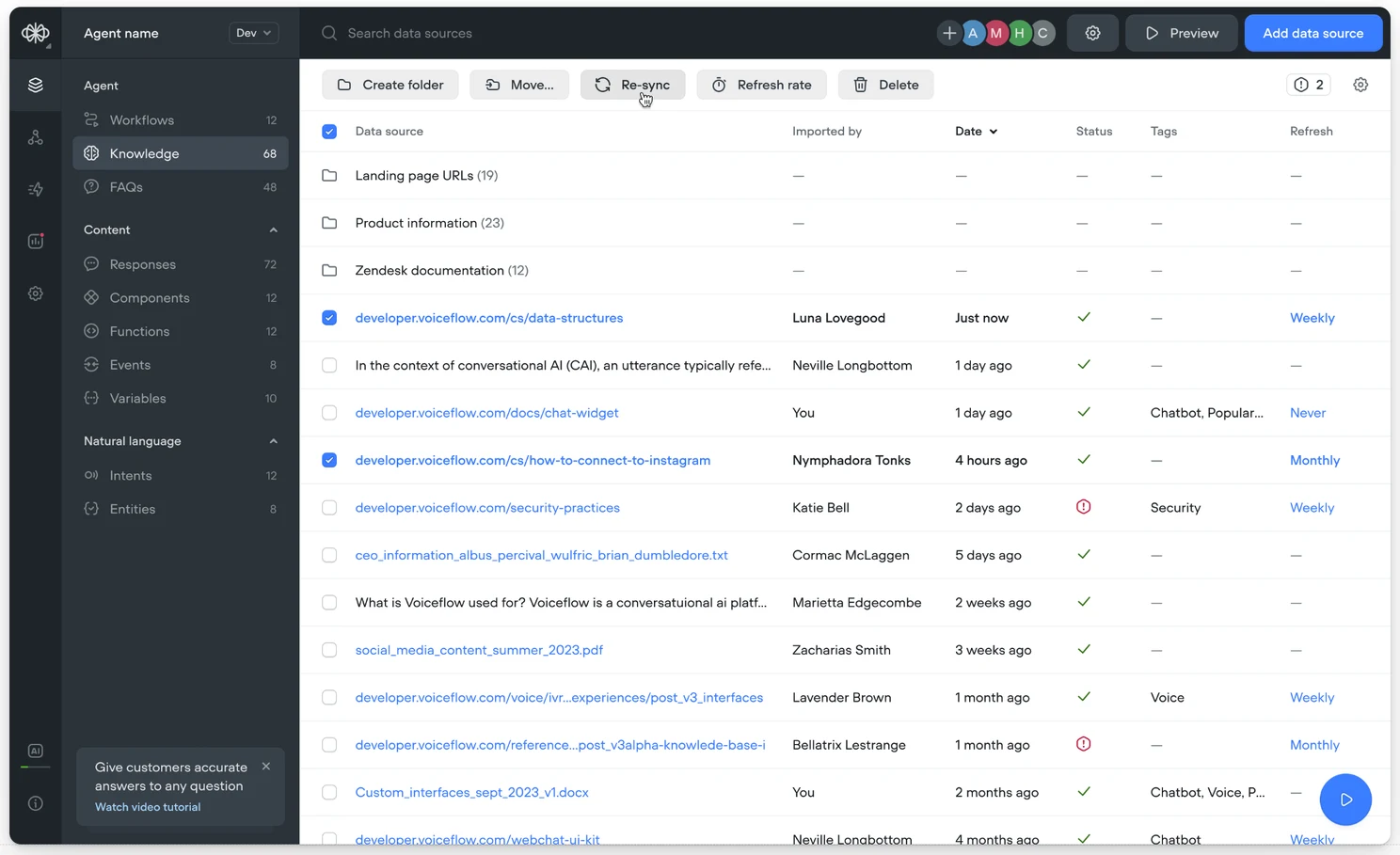
Using voiceflow service you can build a knowledge base using your data.
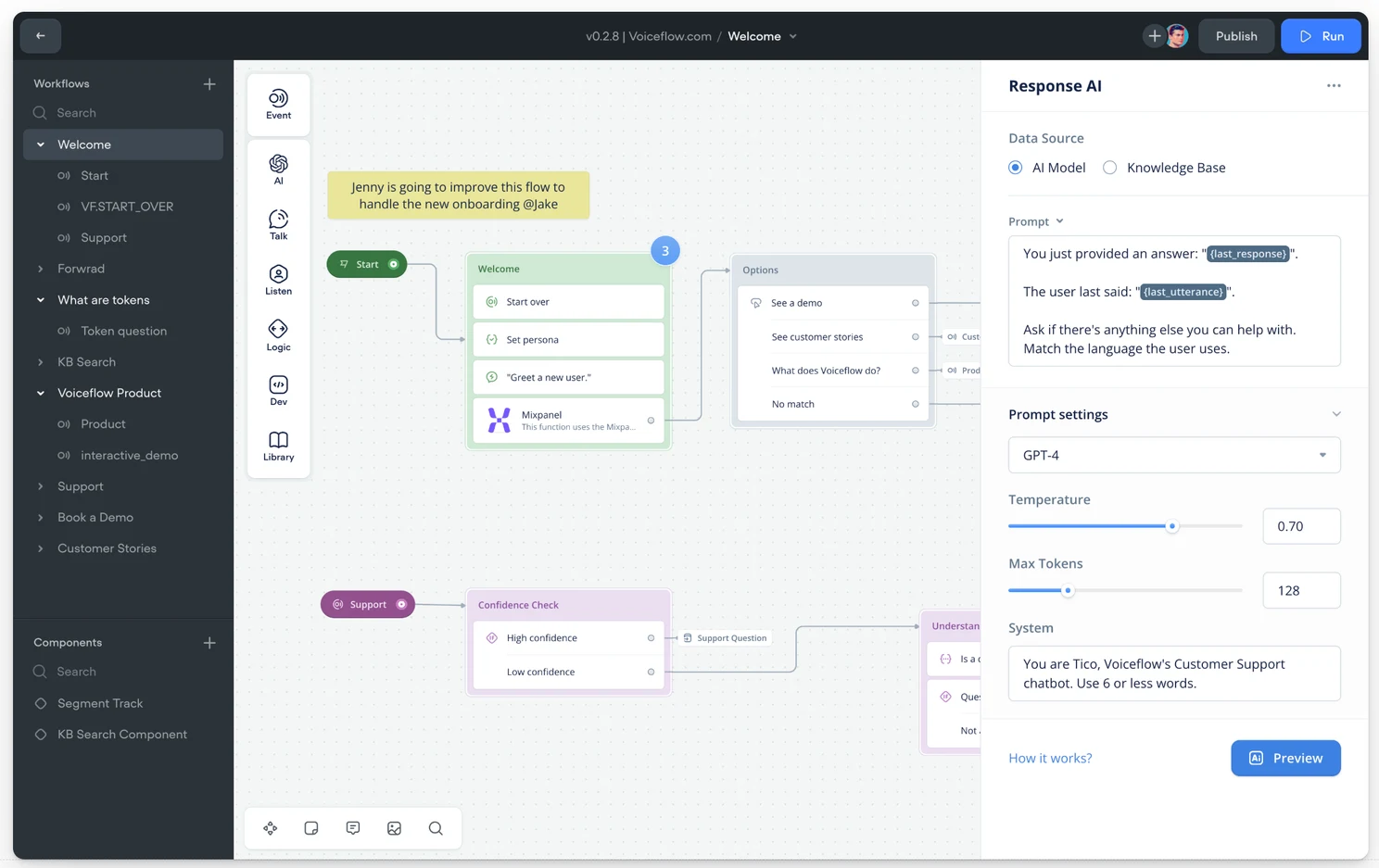
In the workflow editor, you can connect different nodes to build and automate business processes. You can use OpenAI models to setup a response you like using templates and prompts that guide your flow.
Output of one node you need to connect to the input of another node
You can also setup successful and unsuccessful scenarios for your workflows.
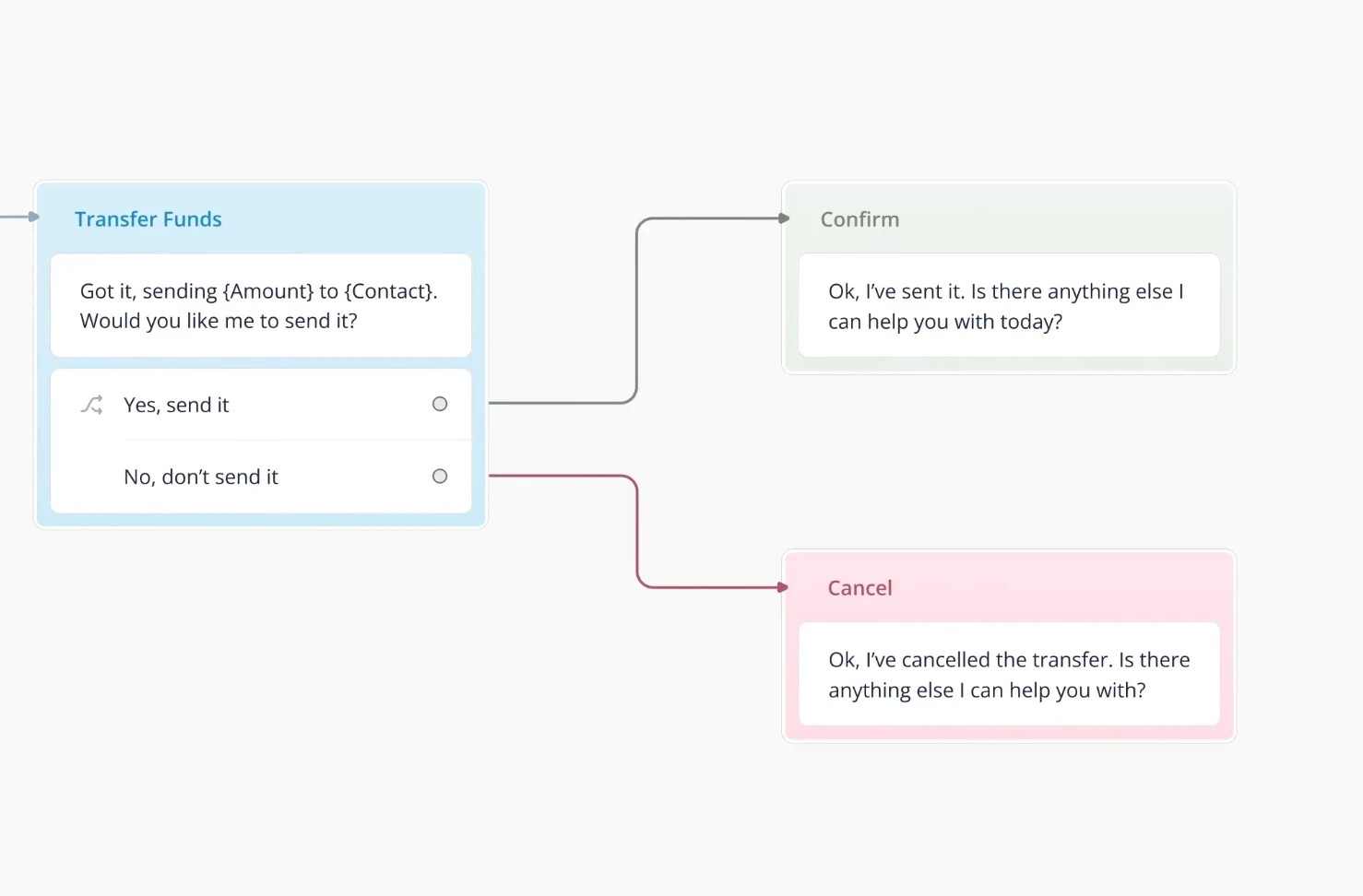
As you can see the entire process is straightforward.
You can utilize 3rd party services and APIs using JavaScript. I think it's a good option to combine more traditional development practices with visual ones.
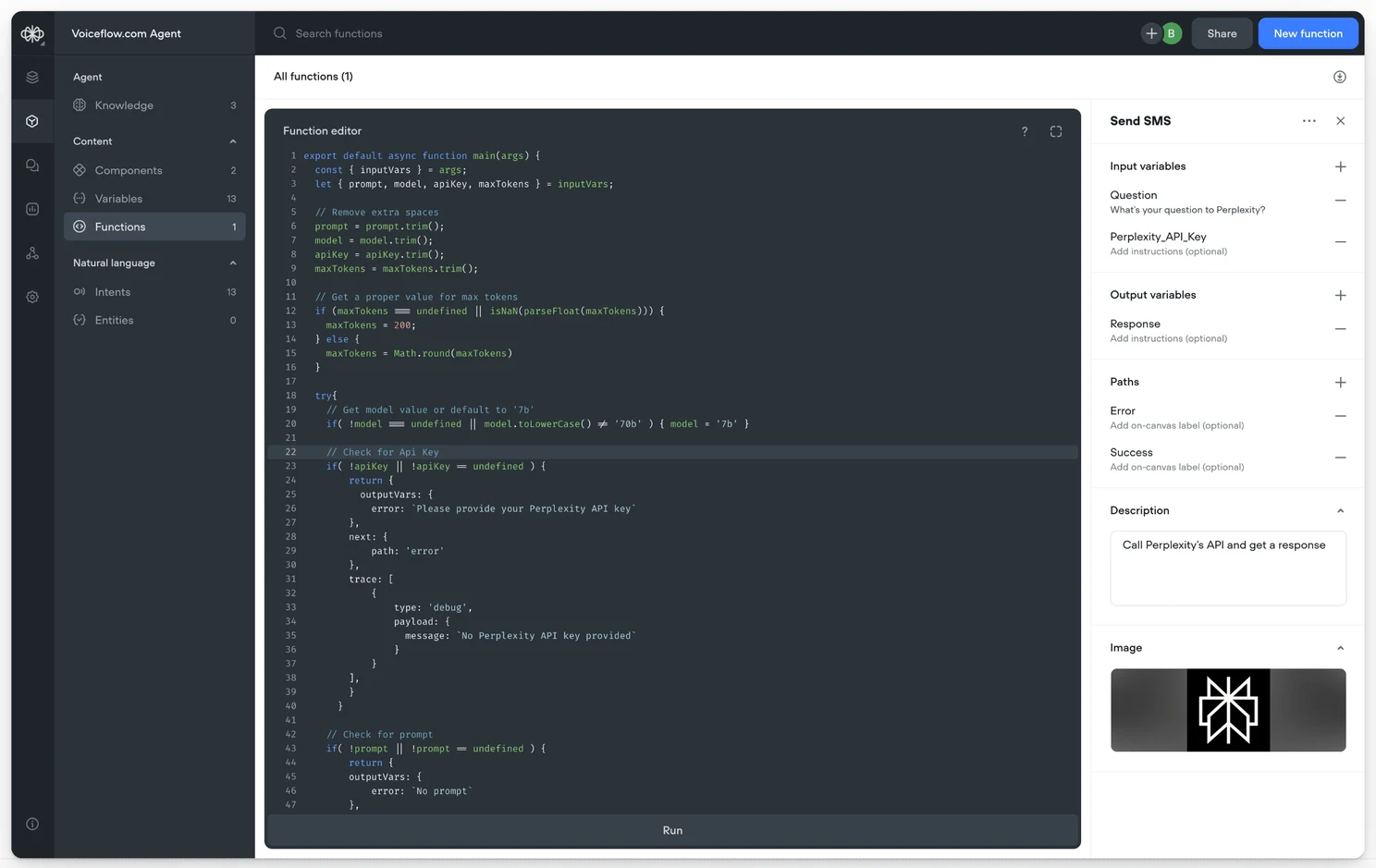
In the end, you end up with a built-in AI application that you can use on your website to assist your customers.
More importantly, you can later adjust it without the need for extensive coding (or just a little).
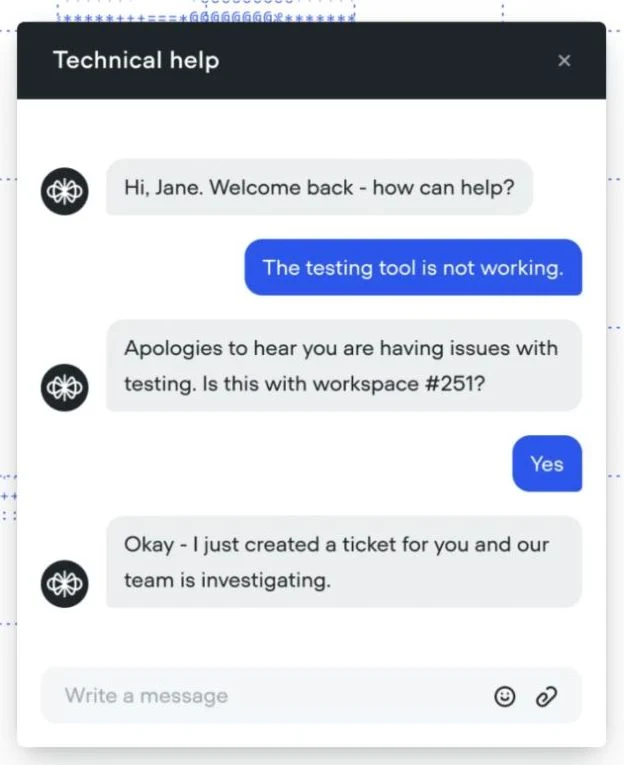
Of course, this is just one example of how such applications are created and used, but there are many other applications as well.
The interesting point here is that AI for many users is like using only chatbots, but with AI orchestrator services, you as a product owner can build applications for business with a higher level of abstraction. You can switch models as per your convenience and set up responses and guardrails in edge cases. All without writing a single line of code. Or if you need some additional integrations, you can do it as well.
AI technologies have become more affordable and user-friendly these days, making it easier than ever to start using them.