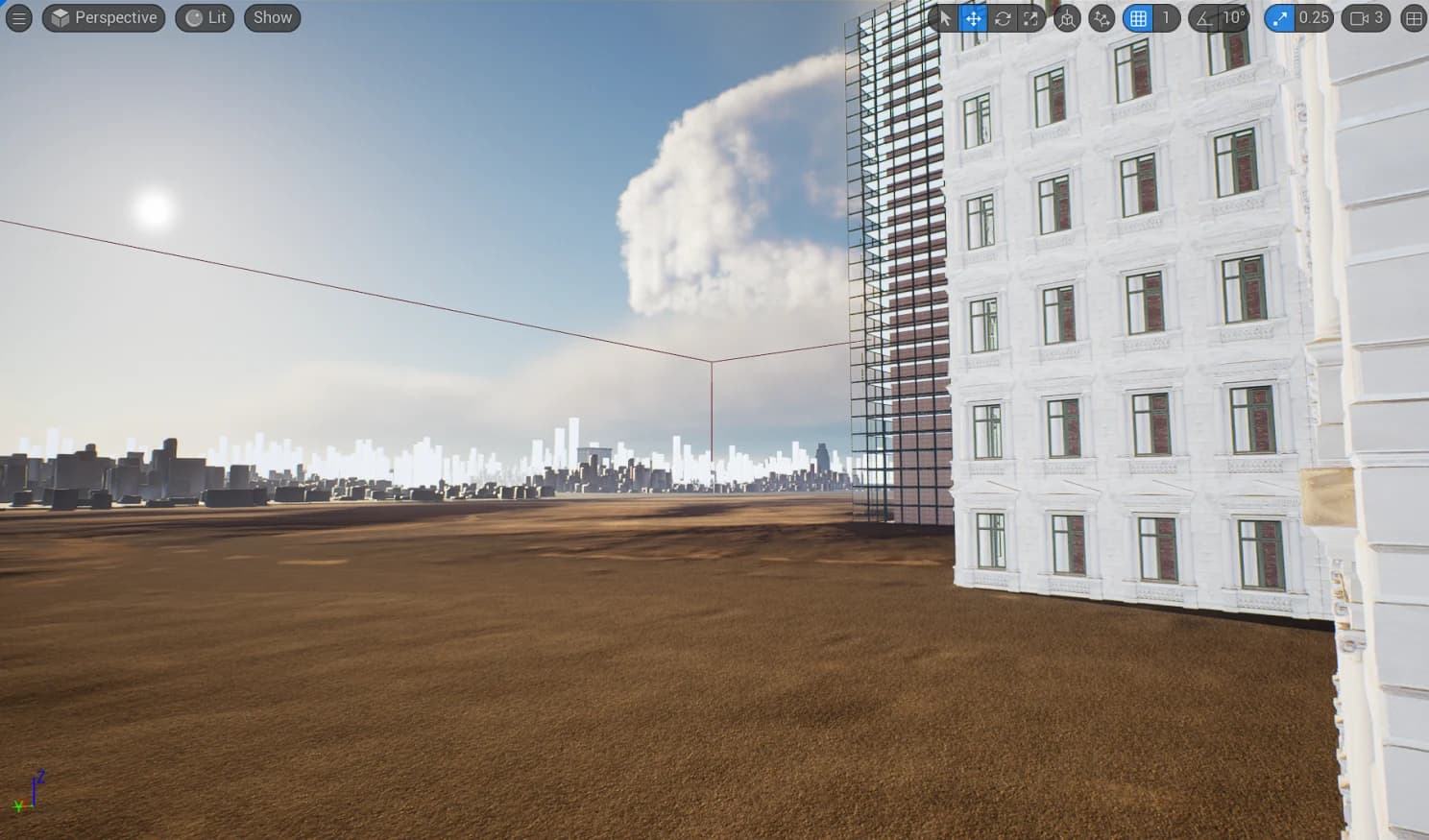
Building generation in Unreal
Sergei Almazov2 min read
The idea for the building generator came earlier this year, when I was creating one of my cinematics in Unreal Engine
A city was needed for the clip, but the challenge was that you had to use something like Houdini to generate the cities. I tried to make do with my own, as I already had a good understanding of Blueprints.
Epic Games and Quixel offer an excellent component library - Megascans. Together with the Nanite system, you no longer have to think about performance in terms of polygons budget
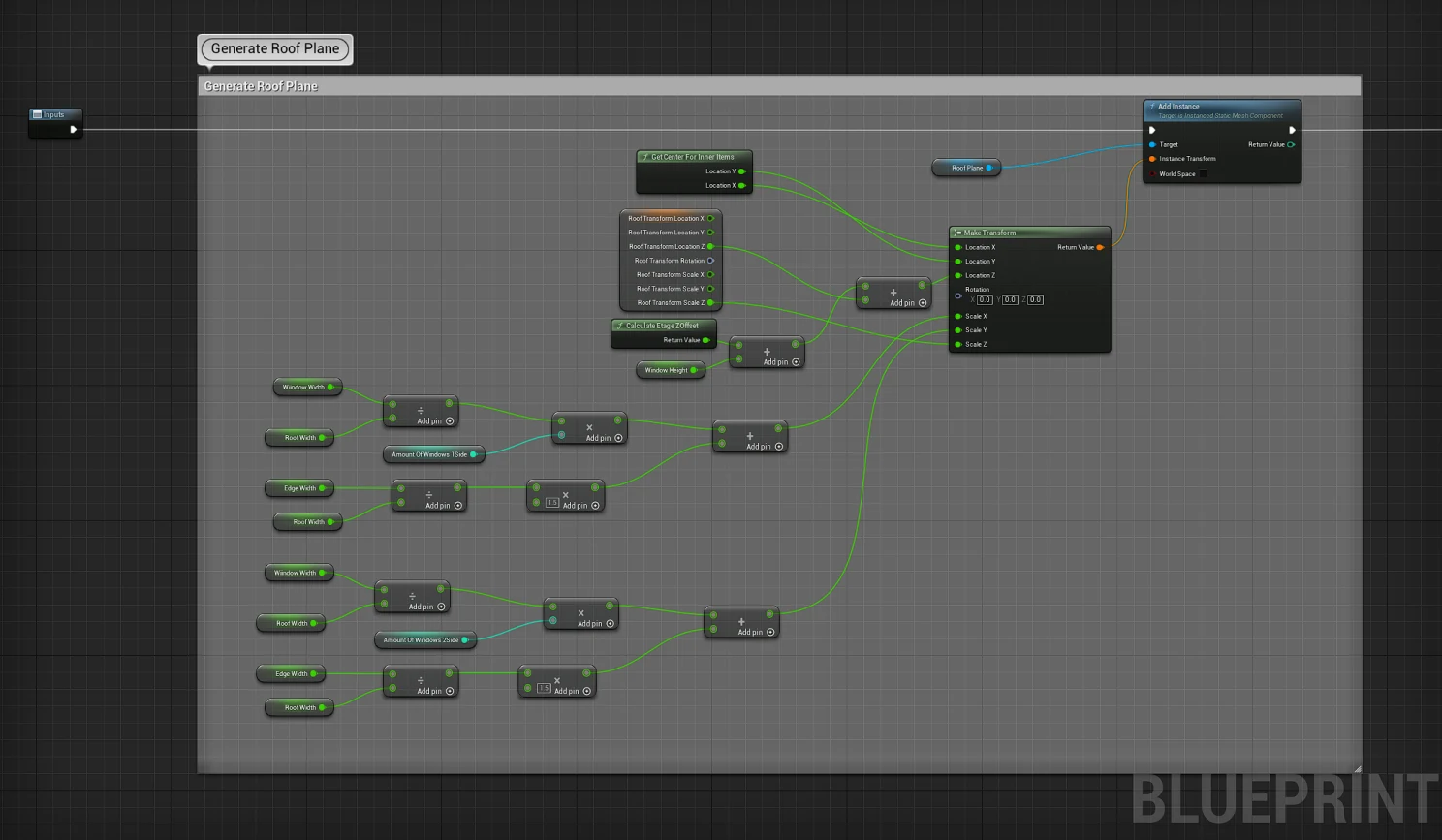
I used a Construction Script section to create my building generation. Blueprints system has a certain limitations but for my purposes it suits pretty well
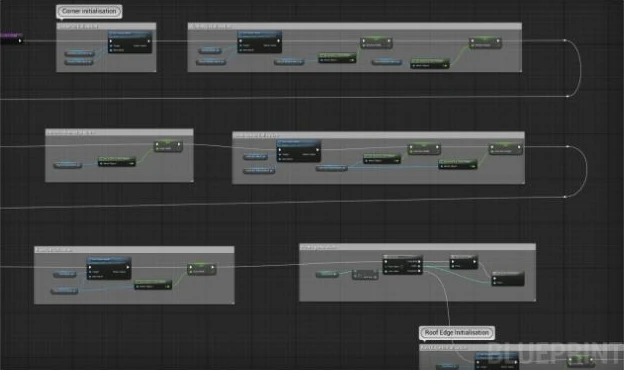
It's a bit basic math here.
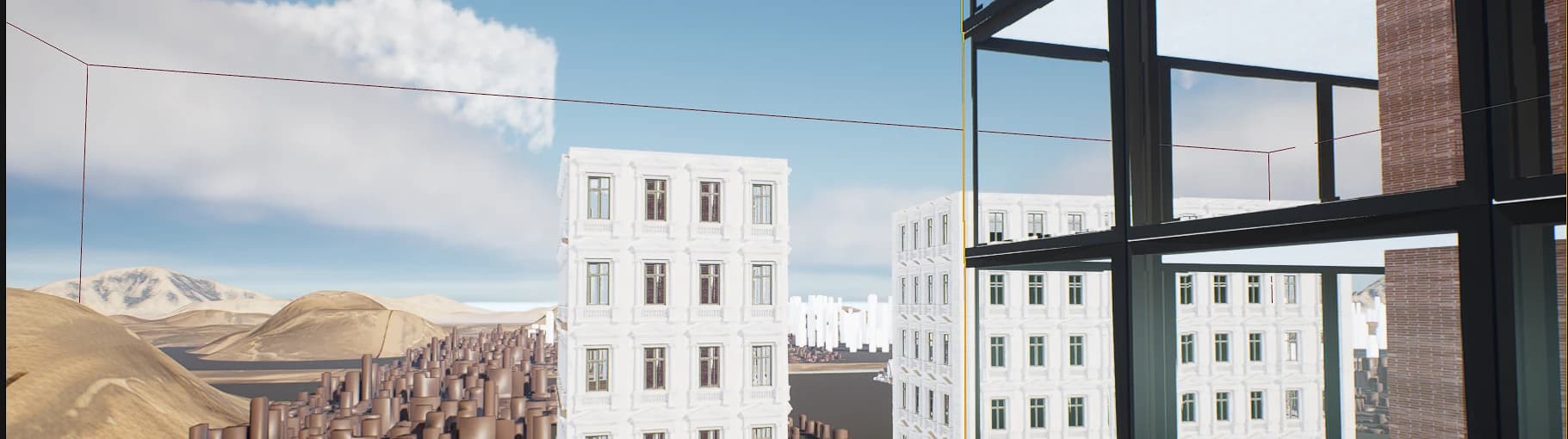
I tried Megascans building blocks from the modern buildings collection, but I faced certain problems. These blocks works good if you don't need the view inside. Here we can notice that these meshes are one-sided.
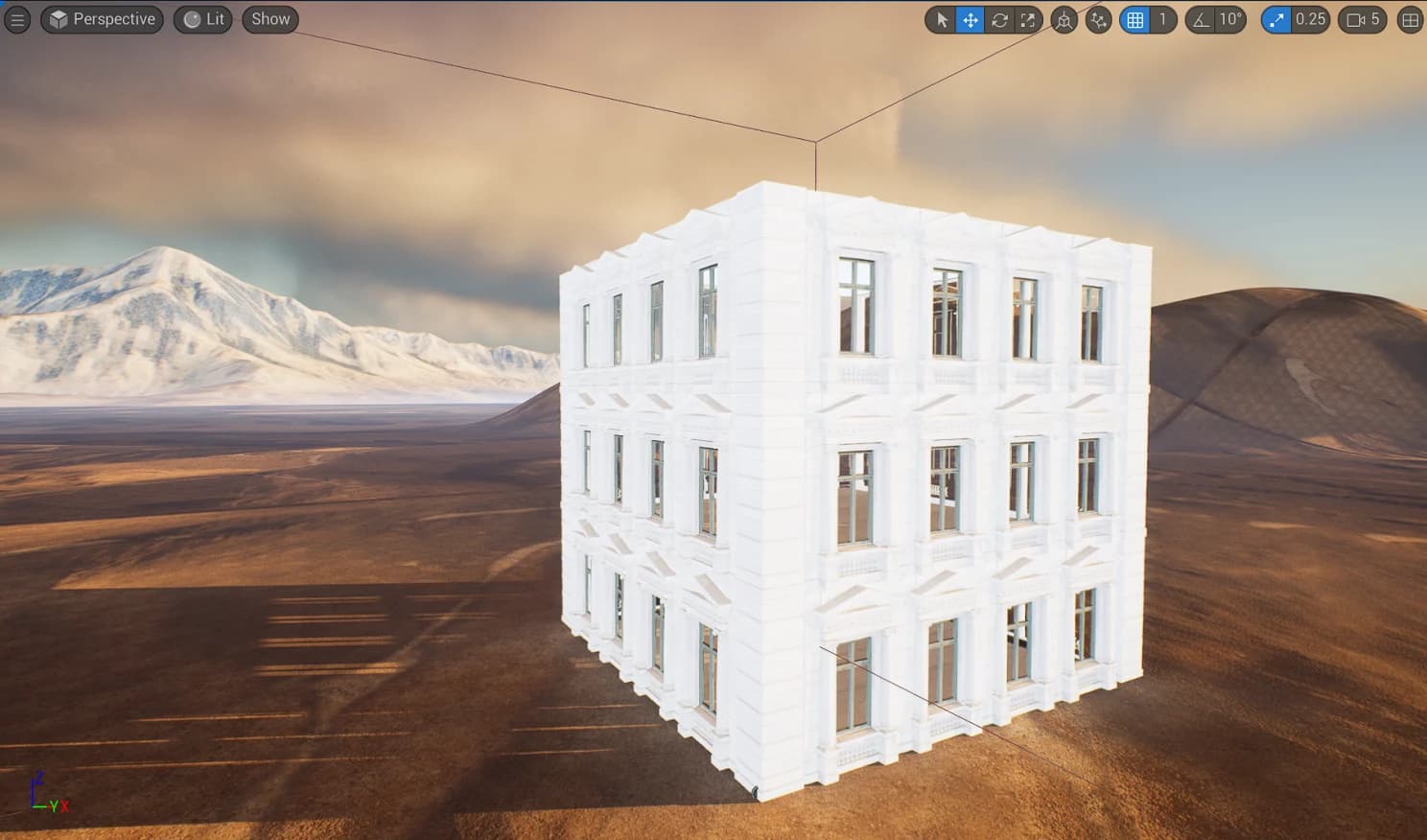
I have found two ways to solve this problem. The first way is to place an empty box with a basic brick texture inside the building.
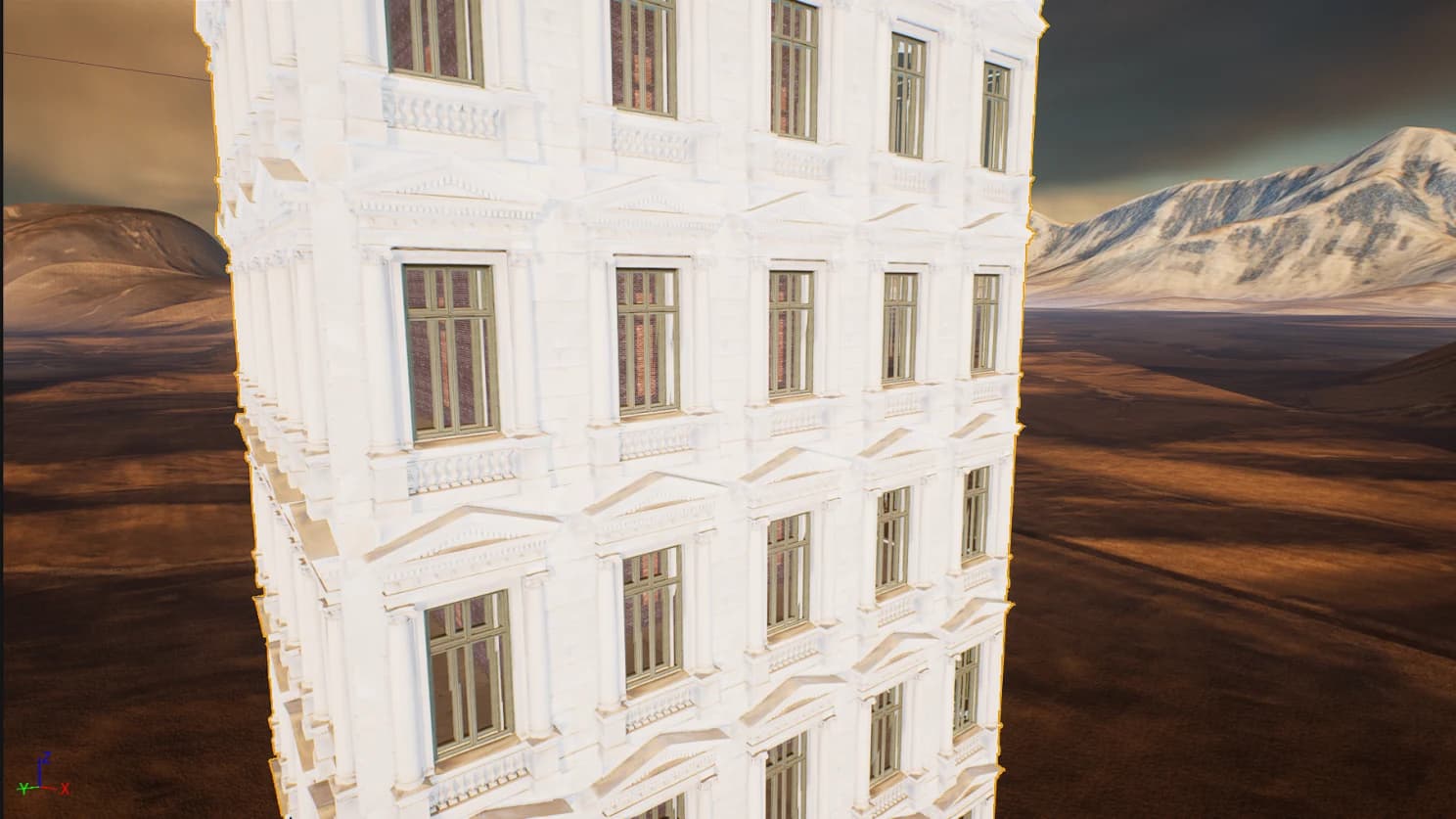
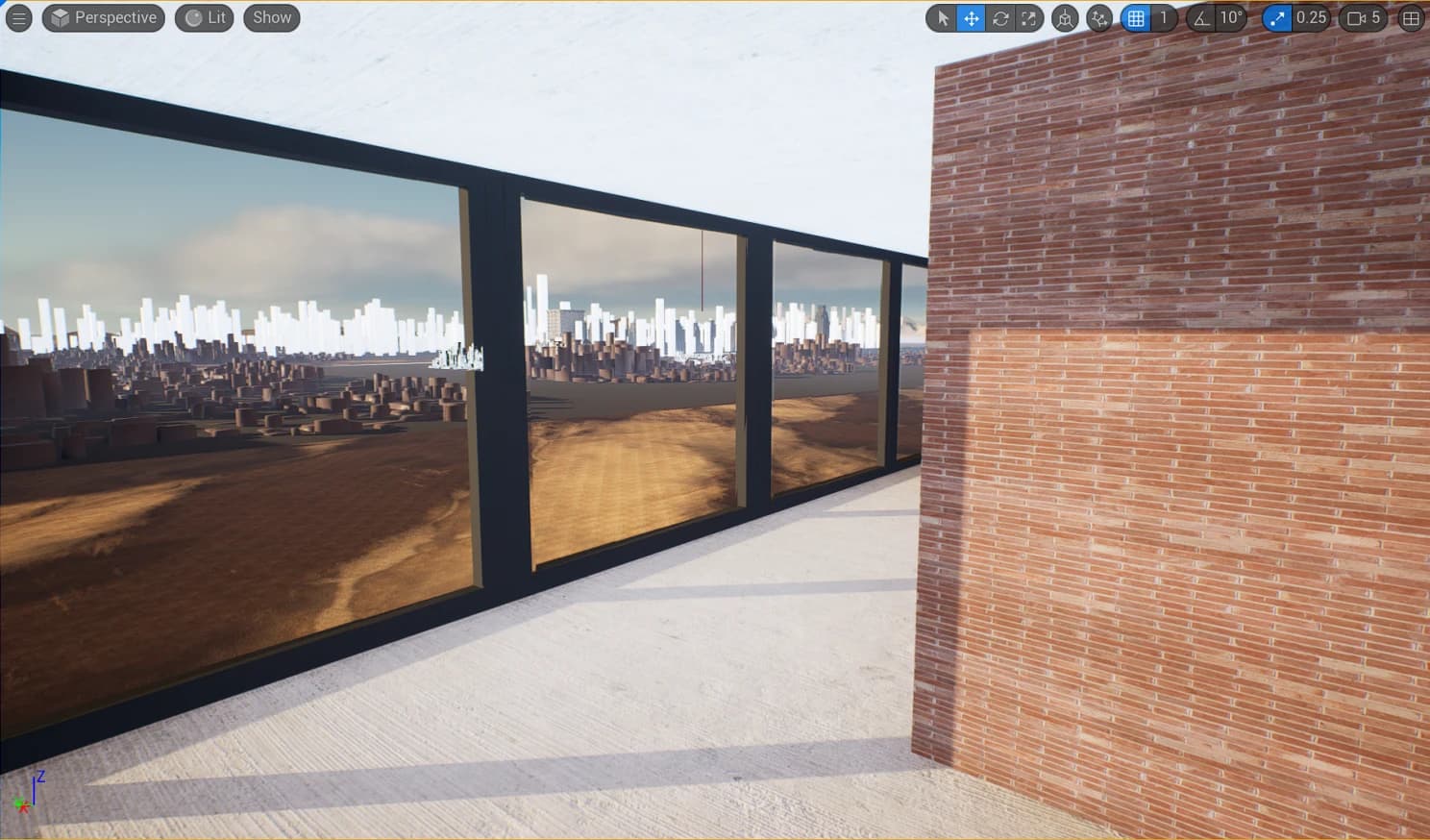
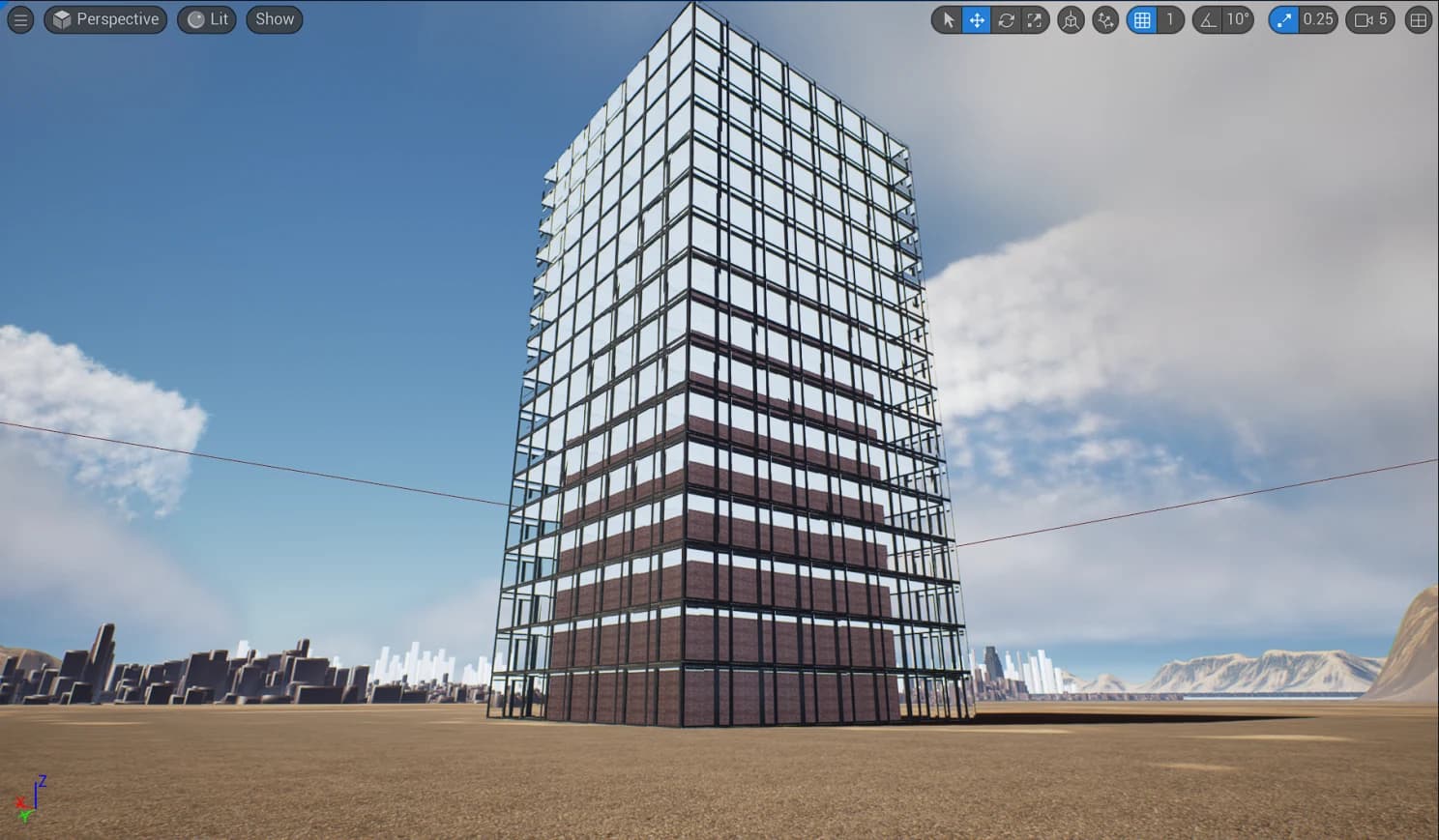
Another way is to use Blender to create double-sided models, so that the mesh is inside and outside. This method is longer, for obvious reasons you are no longer using Megascans but modelling the building yourself, but in some cases this is really necessary, especially if you are doing an inside view of the building. I tried using my system on a very simple building with a simple grid. Here's what I got.
Another tool I created to work with a building arrays helped me in a creation of building districts - I leveraged spline features Unreal provides.
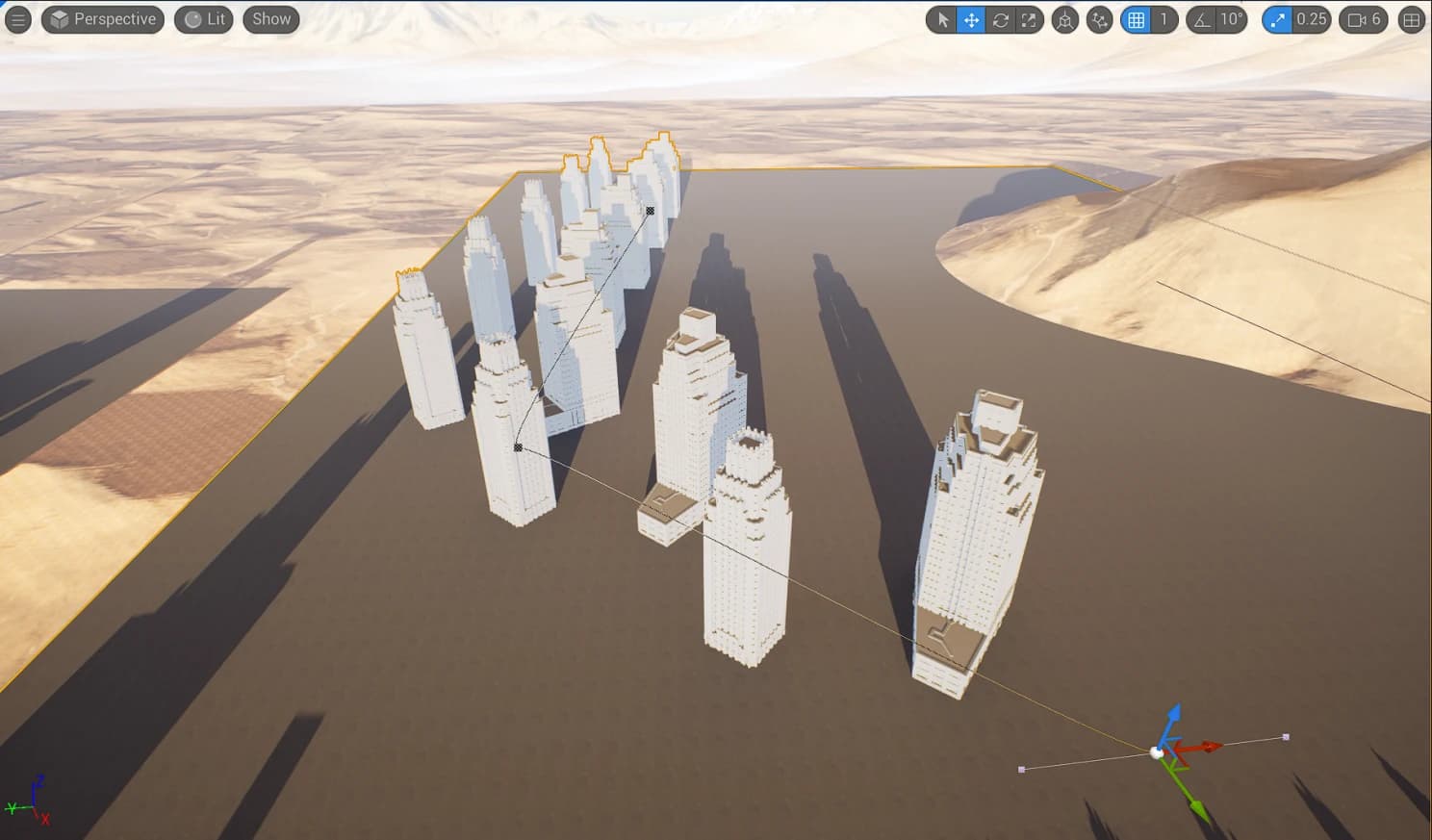
Soon I realized that building could be different by sides. I improved my Blueprints actor to support different buildings (not only square by a foundation).
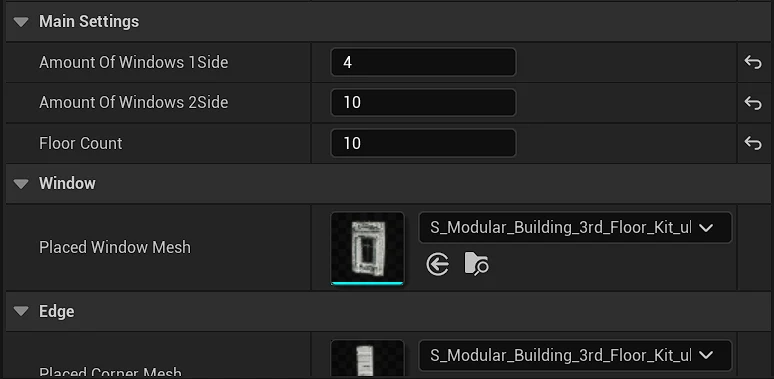
And the result.
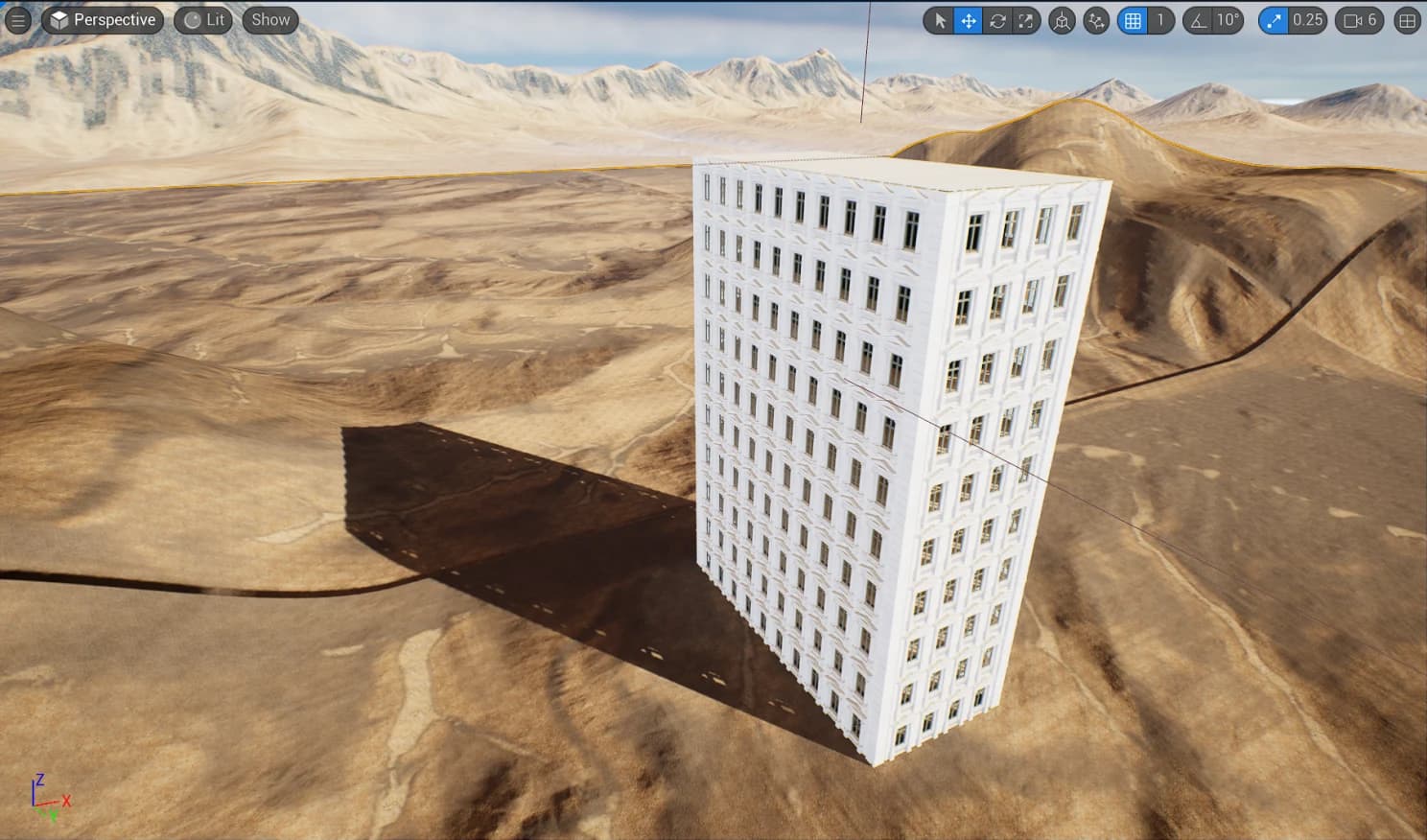
I'm constantly tweaking it to suit my needs. But already now this tool helps me to implement my ideas and build levels faster.