AI tools, front-end and a future
Sergei Almazov2 min read

The last year showed us a huge boost of a productivity. AI tools took over the entire attention of the tech industry. Microsoft integrated it's tools in Windows 11, Bing and even Linkedin. I used "Microsoft Designer" to create a picture for that article.
We have tools that revolutionize markets at the moment in different sectors - marketing, movies, photo and video editing, even coding. StabilityAI recently announced Stable Video Diffusion, JetBrains - it's own AI assistant for developers.
I had an idea how can I utilise that tools to built something simple I had in mind and accomplish just for an hour.
For that purpose I thought about something that people can use on a daily business to make some estimation of personal expenses.
So I have used ChatGPT 3.5 free model, made a request what I wanted and it generated me a code with local storage support and drag'n'drop (both desktop and mobile).

Vercel is a great company that built Next.js framework for front-end developers and I also utilised it's hosting back in the days on one project so I tried to use it for my own purposes.
UI of a Vercel is a very straightforward and I used a master to create a basic React app inside Vercel:
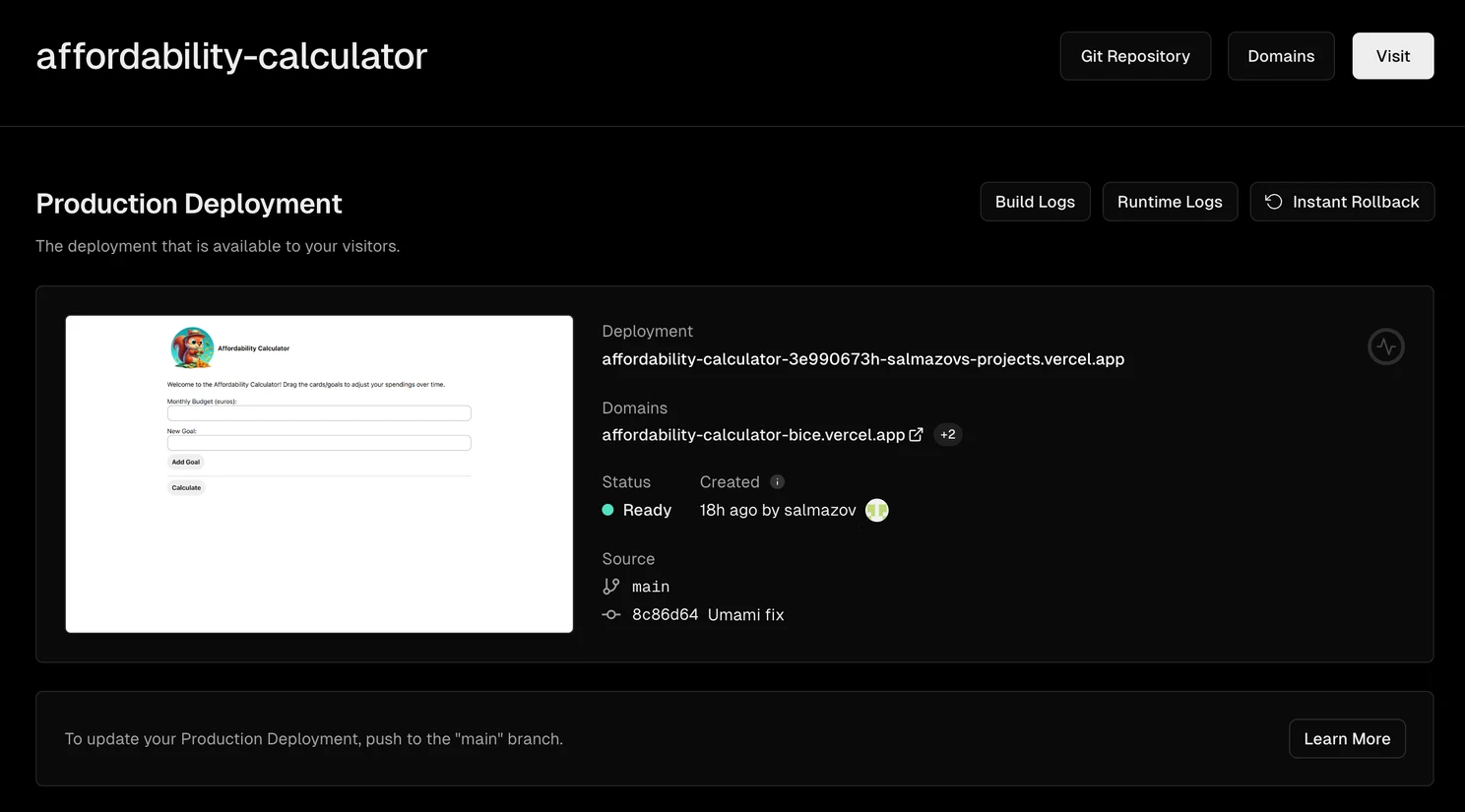
Vercel also automatically proposed to create a repository in GitHub for me. Good idea! So it's done and in a minute I had a repository:
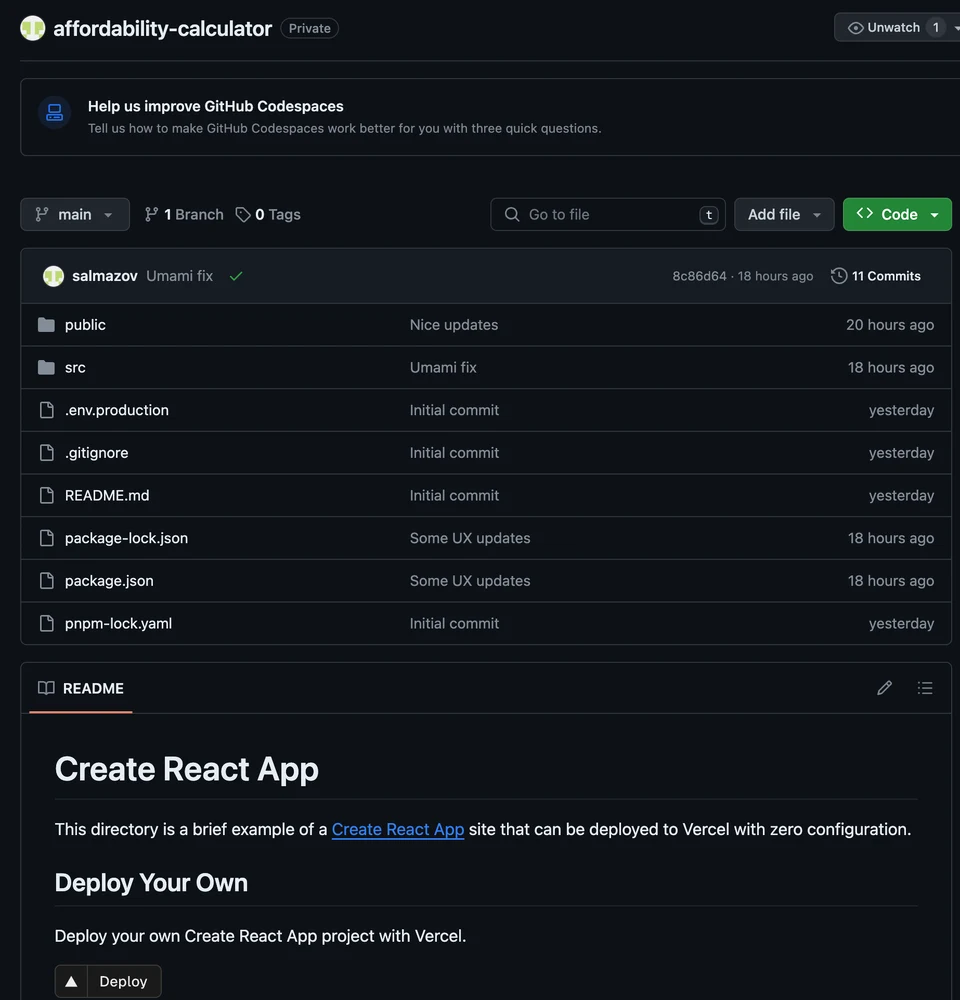
I haven't used GitHub for a while and was surprised we have an opportunity to use virtual environments completely in GitHub with VS Code like interface and even Terminal to experiment with a front-end app.
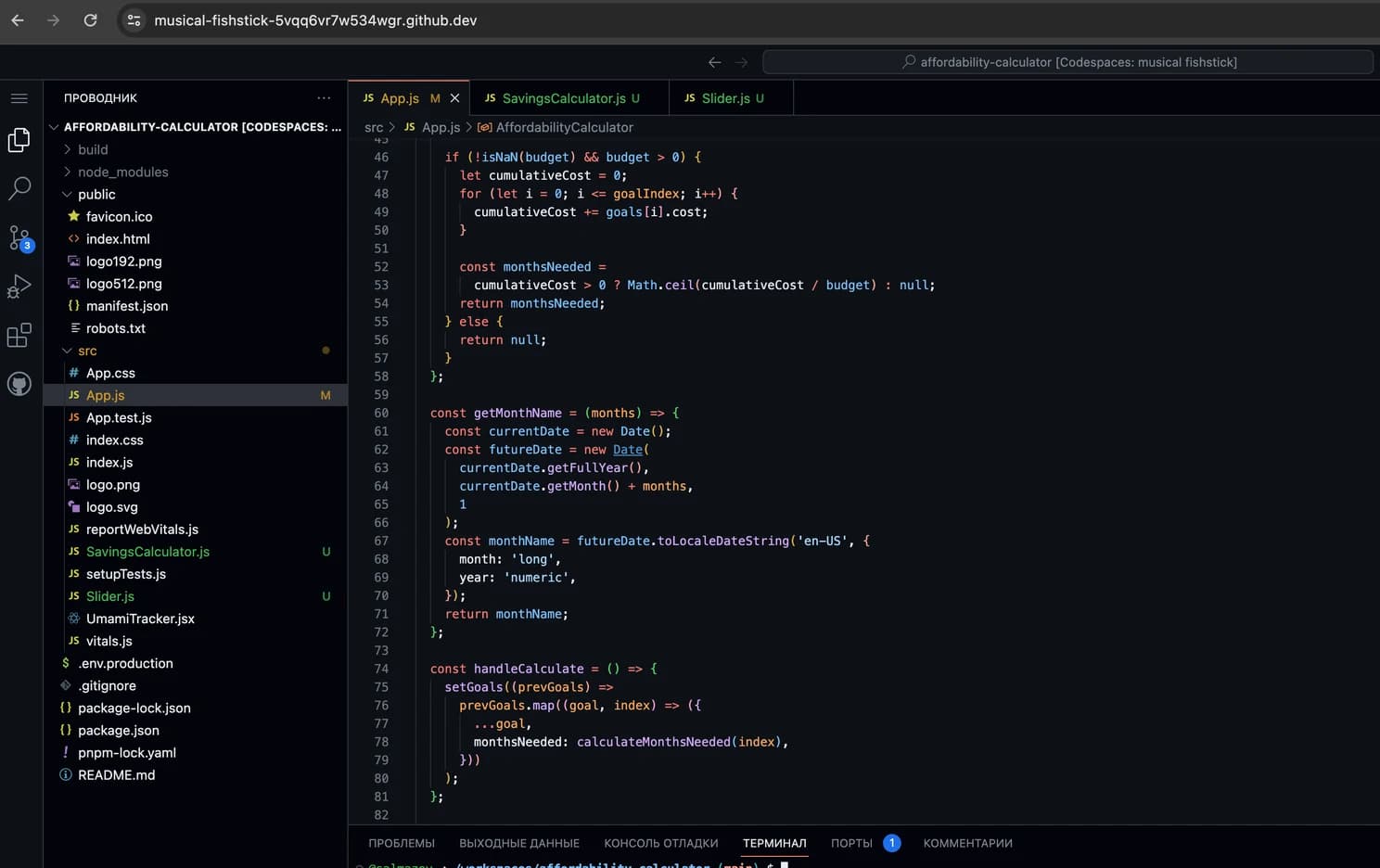
I copied my ChatGPT code to GitHub and commited it to the repository. Vercel automatically picked up my changes and deployed it to the free domain it's provided.
Done!
That simple app was made just in an hour of my spare time.
Summary:
- ChatGPT - 25 min
- Vercel setup - 5 min (including a creation of a GitHub repository)
- Fine-tuning + drag'n'drop + Gestalt CSS from Pinterest - 30 min
Total: 1 hour
You can try it here:
https://affordability-calculator-bice.vercel.app/
I was impressed how quickly it's possible to go from the idea to something real and deployed.
I am curious what we can do in the future with all of that technologies.